
ROBOTYOUNG ACADEMY

Learning apps

FREE LEARNING APPS

Code it. Wire it.
Right in your browser.

The same tools our students use in class, free to open at home. No installation, just a web browser.

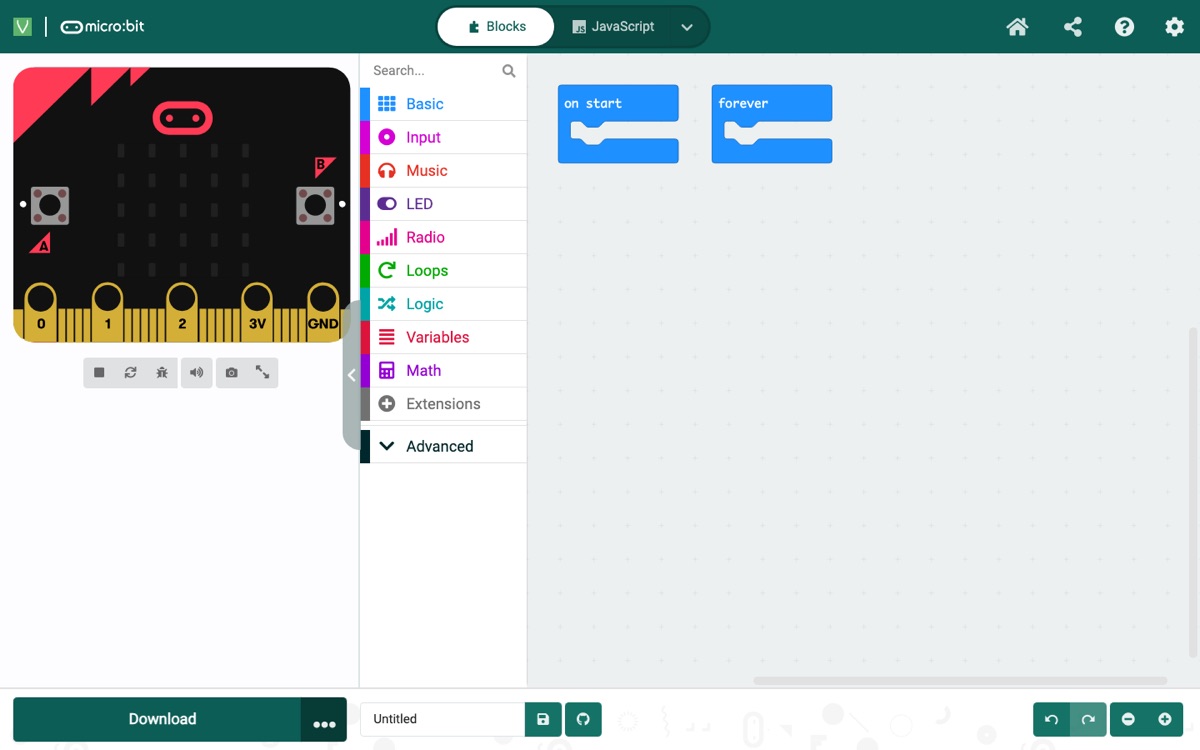
The RobotYOUNG MakeCode editor with a micro:bit simulator, block categories and a coding workspace

ROBOTYOUNG MAKECODE

Snap blocks.
Bring a micro:bit to life.

Drag colourful code blocks or switch to JavaScript, then test every idea on the built-in micro:bit simulator before downloading it to a real board.

Open MakeCode
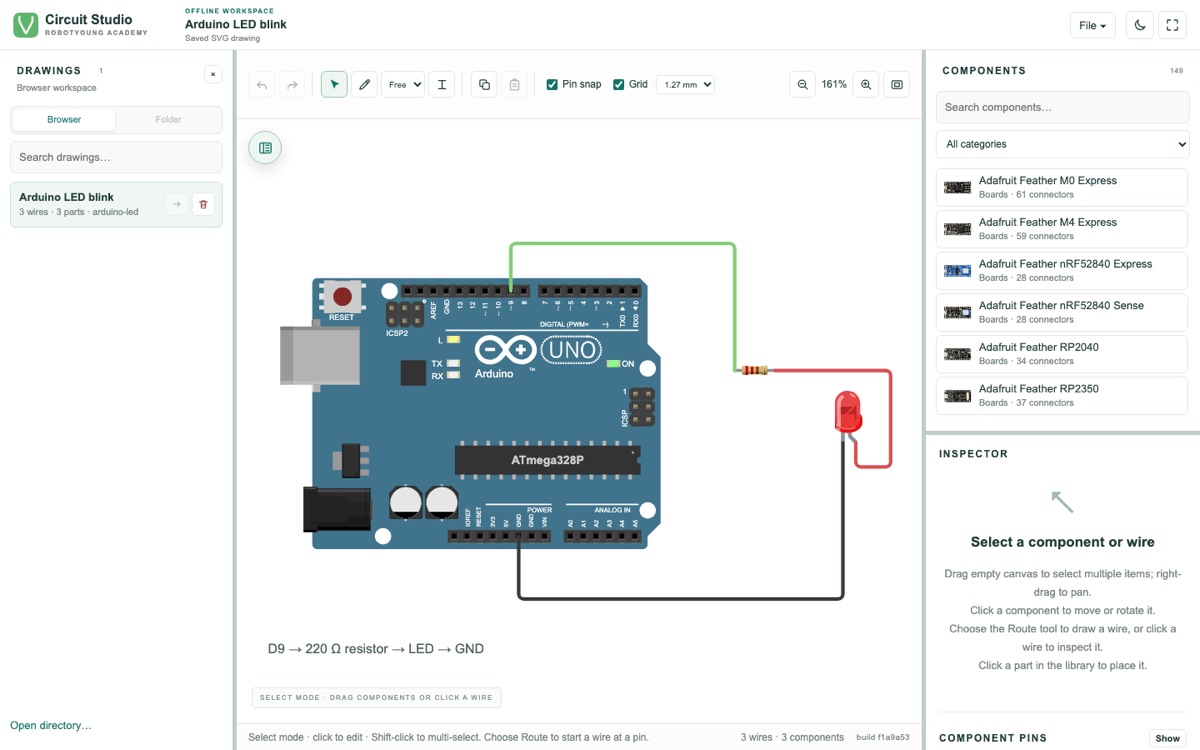
RobotYOUNG Circuit Studio showing an Arduino Uno wired to a resistor and red LED, with a component library

ROBOTYOUNG CIRCUIT STUDIO

Plan the wires
before you build.

Place real boards and parts, draw neat wiring diagrams and check them for crossings. Drawings save in the browser and work offline.

Open Circuit Studio